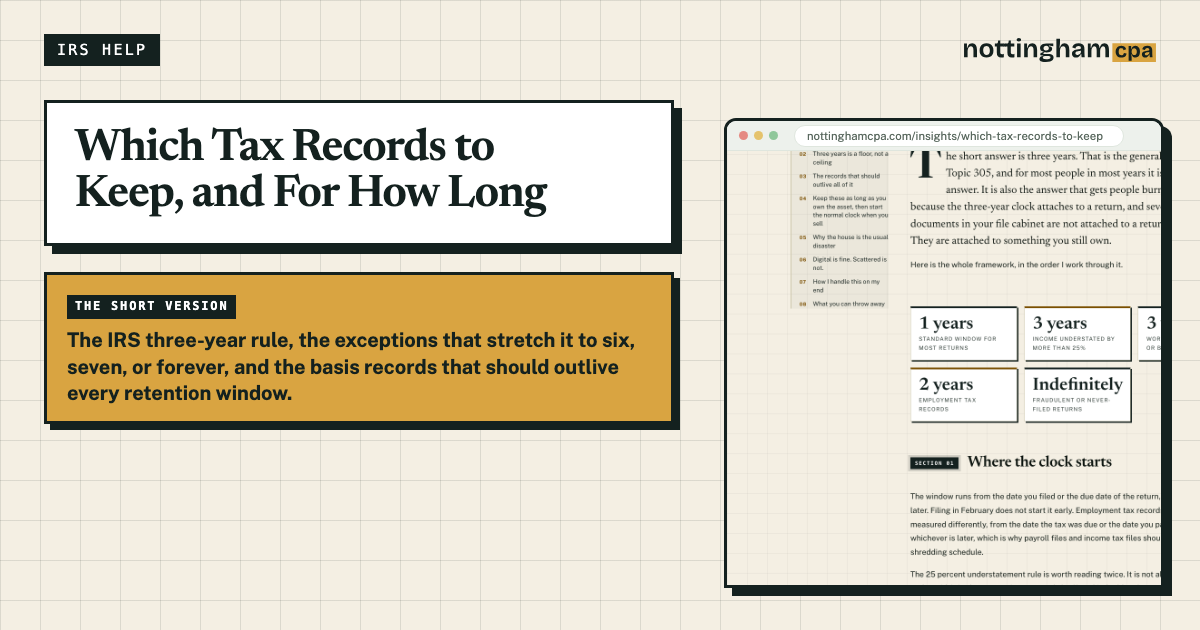
The short answer is three years. That is the general rule in IRS Topic 305, and for most people in most years it is the right answer. It is also the answer that gets people burned, because the three-year clock attaches to a return, and several of the documents in your file cabinet are not attached to a return at all. They are attached to something you still own.
Here is the whole framework, in the order I work through it.
- 3 yearsStandard window for most returns
- 6 yearsIncome understated by more than 25%
- 7 yearsWorthless securities or bad debt
- 4 yearsEmployment tax records
- IndefinitelyFraudulent or never-filed returns
Where the clock starts
The window runs from the date you filed or the due date of the return, whichever is later. Filing in February does not start it early. Employment tax records are measured differently, from the date the tax was due or the date you paid it, whichever is later, which is why payroll files and income tax files should not share a shredding schedule.
The 25 percent understatement rule is worth reading twice. It is not about tax you underpaid. It is about gross income you left off, and it doubles the exposure period on the entire return, not just the omitted item.
Three years is a floor, not a ceiling
I keep client files longer than three years, and you should too. Not out of paranoia. Out of the fact that the six-year exception is not something you get to rule out in advance. The IRS asserts it, the argument happens in year five, and your evidence is whatever you still have on the day it starts.
A cheap rule that covers almost everyone: seven complete years of income-related files. That clears the six-year understatement window with a margin and handles the bad debt rule without running a second system.
The records that should outlive all of it
Retention windows are built around one risk, that a return you already filed gets examined. Basis records are a different animal. A basis record supports a return you have not filed yet, sometimes twenty years from now, and nobody else is holding a copy for you.
The cost of losing them is not a penalty notice. It is a bigger gain. If you cannot substantiate what you paid, you are arguing from memory against a number the IRS is content to treat as zero, and you pay tax on the full sale price.
Keep these as long as you own the asset, then start the normal clock when you sell
- The closing statement from buying your home, plus a receipt for every improvement since
- Brokerage cost basis records, including reinvested dividends, which quietly raise your basis every year
- Form 8606 for every nondeductible IRA contribution you have made
- Purchase invoices and depreciation schedules for business equipment, vehicles, and real property
- K-1s and basis worksheets for a partnership or S-corp interest, including Form 7203
- Paperwork for anything inherited or gifted, because the basis rules for those two are not the same
- Records of a business you sold, until the final installment payment has been reported
Why the house is the usual disaster
Say you bought in 2011 and sell in 2032. The primary residence exclusion shelters a large amount of gain, which is exactly why improvement receipts feel optional in year three. The exclusion has a ceiling, and two decades of appreciation is how you find it.
Improvements add to basis and shrink the taxable gain. The roof, the kitchen, the addition, the new HVAC system. Every one of them is a receipt you had to keep in the year you wrote the check, for a return you file two decades later. And if you claimed a home office under the regular method, the depreciation you took comes back as unrecaptured Section 1250 gain, which the exclusion does not shelter.
Digital is fine. Scattered is not.
The IRS accepts electronic records, so scan to PDF and let the paper go. The exception is anything you might need in original form for reasons that have nothing to do with taxes, like a deed, a title, or a signed note.
Structure is what actually matters. One folder per tax year, and a separate permanent folder for basis documents that never gets purged along with a closing year. Name files so a stranger could find them. 2025-W2-MemorialHospital.pdf beats Scan_0047.pdf, and in 2031 you will be that stranger.
Two things people learn the hard way. Your bank's website is not an archive, because access ends when the account does, so download the statements while you still can. And one copy is not a backup. Put the second one somewhere that is not the same laptop.
How I handle this on my end
Client documents live in Your Files inside the portal, in folders organized by tax year, with PDF preview and a record of who uploaded what and when. Nothing moves as an email attachment. When a lender wants your 2023 return or the IRS asks about a 2021 receipt, the answer is a folder, not an excavation of your inbox.
I keep the year's file organized either way. Here is what the portal does.
What you can throw away
Over-retention is its own failure mode. A box of unsorted paper is functionally the same as no records, because nobody, including you, is going to find the one page that matters.
Once a year is closed, past its window, and stripped of anything supporting basis, the rest can go. Monthly bank and credit card statements you already reconciled. ATM slips. The third copy of the same 1099. The year-end summary is the record; the twelve statements behind it are not.
Shred anything with an account number on it.
If you are staring at fifteen years of paper and want to know what has to survive the purge, that is a short conversation. Start here, or keep the record retention guide open as a one-page reference.